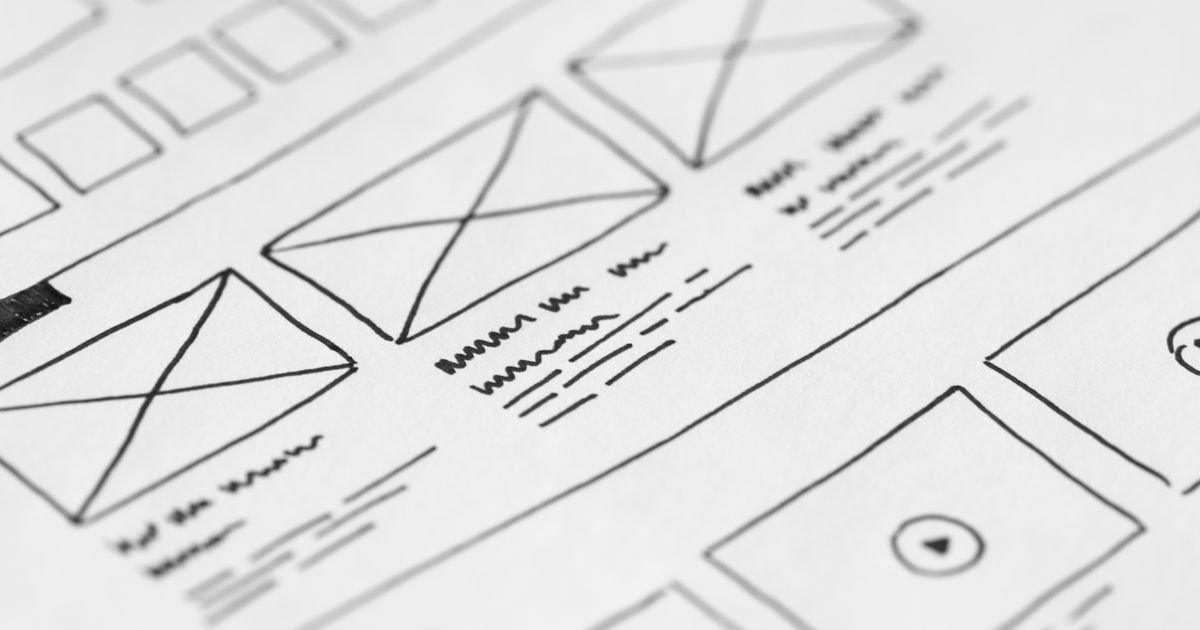
Most landing pages fail quietly. A visitor arrives, glances around for a couple of seconds, and leaves — taking their wallet with them. According to research from the Nielsen Norman Group, users often decide whether to stay or go within 10–20 seconds of landing on a page. Ten seconds. That’s barely enough time to read a headline, let alone be convinced to hand over your email address or make a purchase. If your landing page isn’t converting the way you’d hoped, the problem usually isn’t your product — it’s the page itself. Here are ten design and copywriting principles I use with every client to turn a pretty-but-passive page into one that actually works.
Lead With a Headline That Speaks to the Outcome
Your headline is doing the heaviest lifting on the entire page. It’s the first thing people read, and it needs to answer one question immediately: “What’s in it for me?”
A weak headline talks about the business. A strong headline talks about the customer’s result. “We build custom kitchens” is forgettable. “A kitchen you’ll love cooking in — designed and fitted in three weeks” is a promise.
Keep it specific, keep it benefit-led, and resist the urge to be clever. Clarity beats wit every single time when money is on the line.
Write a Supporting Subheadline
Directly below your main headline, add a short subheadline (one or two sentences) that handles the objection your headline just raised. If the headline makes a bold claim, the subheadline provides the reassurance. Think of it as your headline’s more sensible older sibling — it calms things down and adds just enough detail to keep people reading.
Match the Message to the Traffic Source
If someone clicks a Google Ad that says “affordable logo design for small businesses” and lands on a page that talks about your full-service branding packages, there’s a disconnect. This is called message match, and poor message match is one of the biggest silent killers of landing page conversions. Whatever promise got them to click, that same promise needs to greet them the moment they arrive.
Design for One Goal, Not Five
Every additional call-to-action you add to a landing page reduces the chance that visitors will complete any of them. This is sometimes called the paradox of choice — when people have too many options, they pick none.
A landing page should have one primary goal: book a call, download a guide, make a purchase, fill in a form. Everything else on the page — the copy, the images, the layout — should exist only to support that one action. If you’re tempted to add a secondary CTA “just in case,” resist it. Save that idea for a separate page.
When I work with clients on their web design services, this is often the first conversation we have. What is the single most valuable thing a visitor can do on this page? Build everything around that answer.
Make Your CTA Button Impossible to Miss
Your call-to-action button is not a place to be subtle. It needs to stand out visually from everything else on the page, appear multiple times (above the fold, mid-page, and at the bottom), and use copy that reinforces the benefit rather than just describing the action.
“Submit” tells people what they’re doing. “Get My Free Quote” tells people what they’re getting. The second version converts better, consistently.
Use a high-contrast colour for the button — something that doesn’t appear elsewhere in your design so it naturally draws the eye. Smashing Magazine has a thorough breakdown of CTA button best practices that’s well worth a read if you want to go deeper on this.
Keep the Page Fast — Brutally Fast
Page speed is not a nice-to-have. It directly affects whether people see your page at all. Google uses page speed as a ranking factor, and every extra second of load time increases the probability that a visitor leaves before the page even finishes loading.
Run your landing page through Google PageSpeed Insights and take the recommendations seriously. Compress your images, remove unnecessary scripts, and minimise render-blocking resources. If you’re building on a platform like WordPress, Squarespace, or Wix, make sure you’re not loading a dozen plugins that the page doesn’t need.
A lean, fast page isn’t just good for SEO — it signals to visitors that your business is professional and trustworthy.
Use White Space Deliberately
Crowded pages feel anxious. They make visitors feel like they’re being shouted at from every direction, and the instinct is to leave. White space — the empty space around and between elements — isn’t wasted space. It’s breathing room. It guides the eye, creates hierarchy, and makes the content that is there feel more important.
In my experience, small business owners often feel the need to fill every corner of a page with information because they’re worried about leaving things out. But restraint is a design skill. A page with generous white space looks confident. It says: “We know what matters, and we’ve put it in front of you.”
If you want to understand how professional developers approach layout and spacing, MDN Web Docs has excellent documentation on CSS layout fundamentals that explains the mechanics behind good spatial design.
Build Trust With Social Proof
Nobody wants to be the first person to try something. Testimonials, reviews, case studies, client logos, and statistics all serve the same purpose: they tell the visitor that other people have already taken this step and it worked out for them.
The most effective social proof on a landing page is specific and verifiable. “Great service!” is almost worthless. “Steve redesigned our website and our enquiries went up 40% in the first month — John Davies, Davies Plumbing Ltd” is powerful. It names a real person, a real outcome, and a real timeframe.
Place your social proof close to your CTA. You want the last thing a visitor sees before they click to be evidence that the decision they’re about to make is a safe one.
This is one of the principles explored in detail in our guide on what makes a high-converting website — trust signals are consistently one of the most impactful elements you can add to any page.
Choose Typography That’s Easy to Read
Typography is one of those areas where the best work goes completely unnoticed — which is exactly the point. If visitors are conscious of your font choices, something has probably gone wrong.
For landing pages, readability trumps personality. Use a clean, legible typeface for body copy (minimum 16px on desktop, larger on mobile), limit yourself to two font families at most, and make sure there’s sufficient contrast between your text and background.
Google Fonts offers hundreds of free, web-optimised typefaces. Pairing something neutral and highly readable for body text — like Inter or Source Sans 3 — with a slightly more characterful font for headlines usually gives you the right balance of personality and legibility.
For the technical side of implementing web fonts efficiently, CSS-Tricks has a comprehensive guide on the @font-face rule and font loading strategies that can help you avoid the flash of invisible text that slows perceived performance.
And if you want to go deep on type scale and hierarchy, W3Schools covers CSS font properties clearly and practically for anyone building or editing their own pages.
Optimise for Mobile First
More than half of all web traffic now comes from mobile devices, and landing pages are no exception. If your page looks polished on a desktop but becomes a jumbled mess on a phone, you’re turning away a significant portion of your potential customers before they’ve even read your headline.
Designing mobile-first means starting with the smallest screen and working upward, rather than shrinking a desktop design down as an afterthought. Buttons need to be large enough to tap comfortably. Text needs to be readable without pinching. Forms need to be simple — every additional field you add on mobile dramatically increases the drop-off rate.
Test your page on a real phone, not just your browser’s device emulator. The experience of actually using your thumb to navigate the page will reveal usability problems that a cursor never would.
Remove Every Distraction You Can Find
Navigation menus, social media icons, links to your blog, a footer with twelve columns — all of these are escape routes. Every link that isn’t your primary CTA is an invitation to leave the page without converting.
High-performing landing pages typically strip out the standard site navigation entirely. There’s nowhere to go except forward (take the action) or backward (hit the browser’s back button). This might feel extreme, but the data consistently supports it. When you remove distractions, more people do the one thing you want them to do.
This doesn’t mean the page should feel sparse or untrustworthy — it means every element should be purposeful. If it’s not actively helping the visitor move toward the conversion, question whether it belongs there at all.
Test, Measure, and Improve
The ten tips above will give you a landing page that’s significantly better than what most small businesses are running. But no page is ever truly finished. The best landing pages are living documents — tested, refined, and improved based on real data rather than gut feeling.
Even simple A/B tests (changing a headline, swapping a CTA button colour, reordering your social proof) can reveal surprising things about what your specific audience responds to. You don’t need expensive tools to start — basic analytics and honest attention to your conversion rate will tell you a great deal.
The most important metric isn’t traffic. It’s the percentage of visitors who take the action you want. A page with 200 visitors and a 10% conversion rate is working harder than a page with 2,000 visitors and a 1% rate.
Ready to Build a Landing Page That Actually Converts?
A high-converting landing page isn’t about luck or expensive design software — it’s about applying the right principles consistently and making deliberate decisions about every element on the page. Focus on a single clear goal, earn your visitor’s trust, and remove anything that gets in the way.
If you’d like a landing page built properly from the ground up — one that’s fast, mobile-optimised, and designed to convert — I’d love to help. Get in touch for a free quote and let’s talk about what your business needs.